

5 Signs Your Xerox Printer Needs Servicing
(Before It Breaks Down)
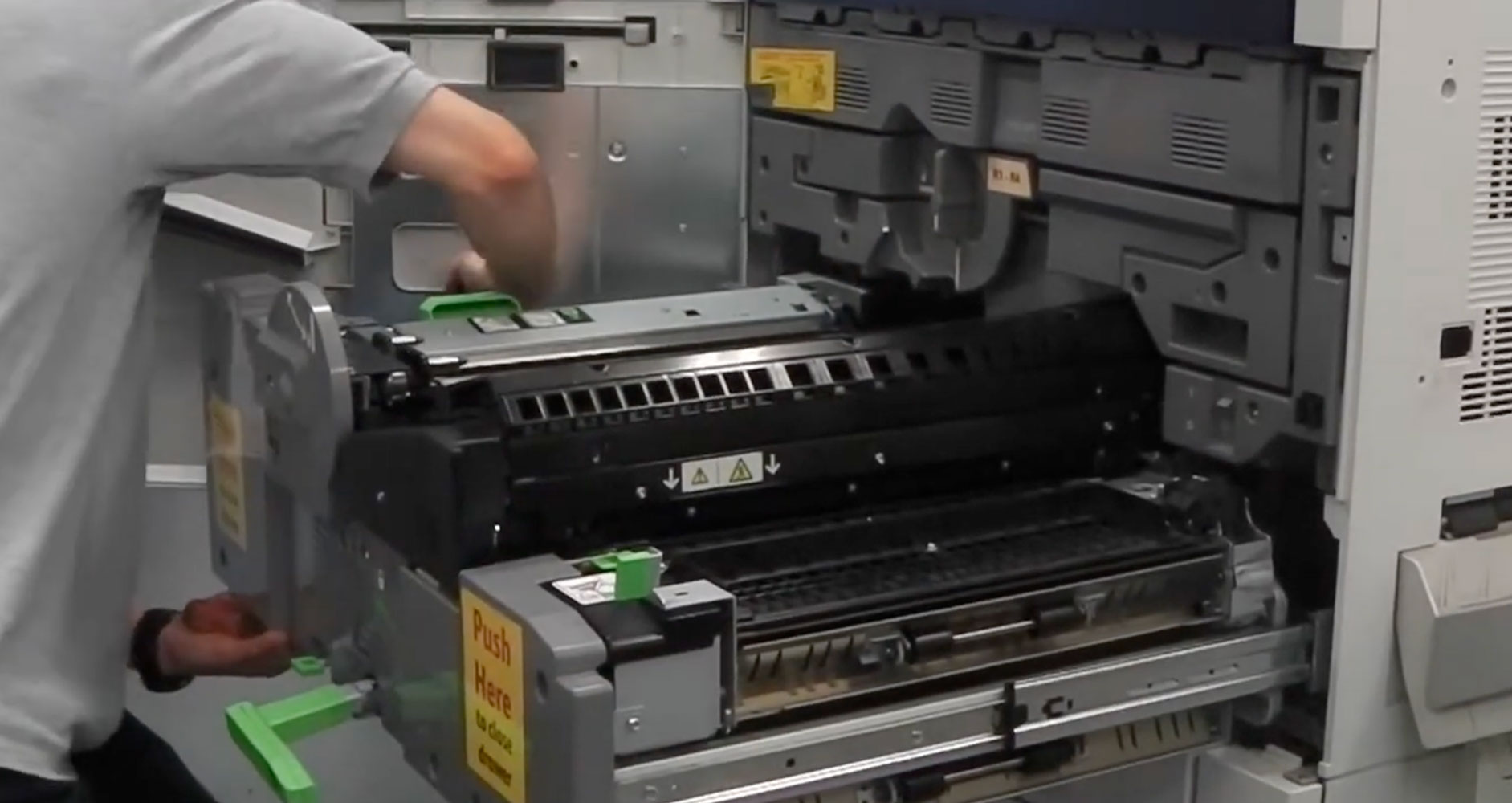
A reliable office printer is something most businesses take for granted – until it stops working.
Whether your business relies on a Xerox multifunction printer for everyday printing, copying and scanning, or a larger production machine handling high-volume workloads, keeping your equipment properly maintained is essential.
The good news is that most printer problems don’t happen without warning. There are often tell-tale signs that your Xerox printer needs attention before a minor issue develops into an expensive breakdown.
At Technology Business Services, we understand how important reliable printing equipment is to the day-to-day running of a business. Here are five signs that your Xerox printer may need professional servicing:
1. Frequent Paper Jams and Paper Feed Problems
An occasional paper jam can happen with any printer. However, if your Xerox printer is regularly jamming, misfeeding paper, or pulling multiple sheets through at once, it could indicate an underlying mechanical issue.
Common causes include:
- Worn feed rollers and separation pads
- Paper dust and debris inside the machine
- Damaged or incorrectly fitted paper trays
- Problems with the paper feed mechanism
- Incorrect paper settings
Repeated paper jams can interrupt productivity and put additional strain on internal components. A professional service can identify the cause, clean the relevant components, and replace worn parts where necessary.
2. Poor Print Quality or Faded Documents
If your Xerox printer is producing faded text, streaky images, smudges, or uneven print quality, it may be time to arrange a service.
Print quality problems can be caused by several components, including:
- Toner cartridges
- Imaging units and drums
- Fuser assemblies
- Transfer rollers and belts
- Internal contamination or toner build-up
Although replacing a toner cartridge may resolve some issues, persistent print quality problems often indicate that another component needs attention. A qualified technician can inspect your Xerox machine, identify the faulty component, and help restore consistent print quality. You can browse our range of genuine and compatible Xerox consumables online.
3. Your Xerox Printer Is Making Unusual Noises
Printers naturally make some noise when operating, but grinding, clicking, squeaking, or unusually loud mechanical sounds should never be ignored.
These noises could indicate:
- Worn gears or drive mechanisms
- Problems with internal rollers
- A damaged fuser assembly
- Loose or damaged components
- Mechanical wear caused by regular use
Continuing to operate a machine with an unusual mechanical noise could lead to further damage. If your Xerox printer has started making sounds that weren’t there previously, arranging a professional inspection is a sensible precaution.
4. Your Printer Is Running Slower Than Usual
Has your Xerox printer started taking noticeably longer to warm up, process print jobs, or produce documents? A gradual reduction in performance can be a sign that maintenance is overdue.
Potential causes include:
- Accumulated dust and debris
- Worn internal components
- Network connectivity problems
- Firmware or software issues
- Increased demand on an ageing machine
A professional service can help identify whether the problem is mechanical, software-related, or connected to your office network. Keeping your Xerox printer properly maintained can help it operate efficiently and reduce unnecessary interruptions.
5. Error Messages and Repeated Warning Notifications
Modern Xerox multifunction printers are designed to alert users when something isn’t right. If your machine regularly displays error codes, maintenance warnings, or messages about internal components, it’s worth investigating rather than repeatedly restarting the printer.
Some warnings may relate to consumables or routine maintenance, while others can indicate a component failure or developing fault. Ignoring repeated warnings can make problems worse and potentially lead to unexpected downtime. If you’re unsure what an error message means, a professional Xerox service technician can diagnose the issue and recommend the appropriate solution.
Why Regular Xerox Printer Servicing Matters
Like any piece of business equipment, Xerox printers require maintenance to keep them operating reliably. Regular servicing can help:
- Reduce unexpected breakdowns
- Maintain consistent print quality
- Identify worn components before they fail
- Extend the working life of your equipment
- Minimise disruption to employees
- Keep printing costs under control
The frequency of servicing will depend on the model, print volume, operating environment, and how heavily the machine is used. Businesses with high-volume printing requirements may benefit from more frequent maintenance than those using their equipment occasionally.
Should You Repair or Replace Your Xerox Printer?
Not every printer problem means you need a new machine. In many cases, replacing a worn component or carrying out routine maintenance can restore performance at a fraction of the cost of purchasing replacement equipment.
However, if your Xerox printer is older, regularly breaking down, or becoming increasingly expensive to maintain, replacement may be worth considering. Technology Business Services can help businesses consider their options, whether that means servicing an existing Xerox machine or looking at a suitable refurbished or new replacement.
Frequently Asked Questions
How often should a Xerox printer be serviced?
It depends on the model, how much you print, the operating environment and how heavily the machine is used. Businesses with high-volume printing usually benefit from more frequent maintenance than those that print occasionally.
Will a new toner cartridge fix poor print quality?
Sometimes. If the problem continues after replacing the toner, another component such as the drum, fuser or transfer belt may need attention, and a technician can identify which one.
Is it worth repairing an older Xerox printer?
Often, yes. Replacing a worn part or carrying out routine maintenance can restore performance for a fraction of the cost of a new machine. If an older printer keeps breaking down or is becoming expensive to maintain, a refurbished or new replacement may be better value.
Need Professional Xerox Printer Servicing?
If your Xerox printer is showing any of these warning signs, don’t wait until it stops working completely.
At Technology Business Services, we understand the importance of keeping business printing equipment running smoothly. We can help businesses with Xerox printer servicing, maintenance, and advice on keeping their printing equipment performing reliably.
Whether you’re experiencing paper jams, poor print quality, persistent error messages, or general performance problems, getting the issue investigated early can help prevent unnecessary disruption.
Contact Technology Business Services today to discuss your Xerox printer servicing requirements and find out how we can help keep your business printing without interruption.